Tips
How to Create a Digital Event Photo Album in Minutes
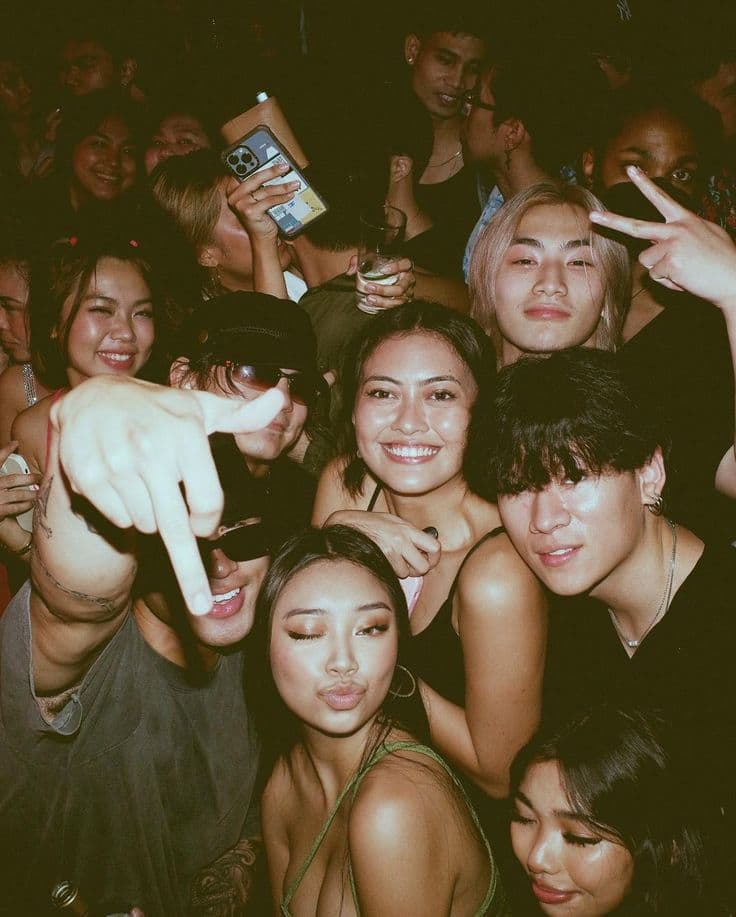
After a great event, you are left with a familiar problem. Your phone has some photos. Your best friend's phone has others. A cousin sent three over WhatsApp, another friend promised to AirDrop the rest, and someone posted a few on Instagram with a hashtag you already forgot. Piecing together a complete event album by hand takes hours — and somehow still ends up feeling incomplete.
There is a better way. Instead of chasing files after the fact, you can set up a digital event photo album before the first guest arrives. Every photo taken during the event lands in the same place, automatically organized, ready to browse and download. No manual editing. No copy-pasting. No begging people to send what they promised.
The Old Way vs. The New Way
The traditional approach looks something like this. You create a group chat and ask everyone to share their favorite shots. For the first hour, it works. Then the chat gets buried under dinner plans and memes. You try a shared cloud folder, but half your guests do not use that platform. You end up with a patchwork collection spread across five different services, and you still need to download everything, rename files, remove duplicates, and sort by time.
The modern approach flips the timeline. You generate a QR code before the event. Guests scan it when they arrive and instantly have access to a shared upload camera. Every photo they take during the party, ceremony, or gathering uploads in real time to a central gallery. By the time the event ends, your album is already complete.
"The best time to collect event photos is while the event is still happening."
Setting Up Your Album
Creating a digital event photo album takes about three minutes. You choose a name for your event, set the date, and the system generates a unique QR code and shareable link. From there, it is all about placement and encouragement.
- Create the event with a clear name guests will recognize.
- Share the QR code on invitations, entrance signs, table cards, or a slideshow loop.
- Remind guests once or twice during the event — a quick mention during a speech works perfectly.
- Watch the album fill in real time as guests upload from their phones.
- Download or share the complete gallery after the event.
What Makes It Beautiful
A great event album is not just a pile of photos. It is a story. The best digital album tools organize uploads chronologically, so you can scroll through the day as it happened. Morning prep. Arrivals. Main activity. Food. Dancing. Quiet goodbyes. The timeline tells a narrative that a random folder of files never could.
Because every guest is shooting from their own perspective, you also get natural variety. One person focuses on faces. Another captures décor and details. A third loves wide shots of the room. Combined, these angles create a rich, layered record of the event that feels alive.
Who This Works For
Digital event albums work for virtually any gathering. A wedding with two hundred guests. A birthday party with twenty close friends. A company celebration with colleagues from different departments. Even a casual backyard barbecue benefits from a shared memory space.
The common thread is simple: any event where multiple people are photographing the same experience deserves a shared album. It spares the host from becoming a file collector and gives every guest a chance to see the event through everyone else's eyes.
Preserving Quality
One worry people have is compression. Social media ruins photo quality. Screenshots of screenshots ruin it even more. A proper digital event album keeps originals at full resolution. Guests upload the actual file from their camera roll, not a degraded copy. That means you can print enlargements, create physical albums, or archive the collection without pixelation regrets.
Making It Part of the Experience
The smartest hosts do not treat the photo album as an afterthought. They make it part of the event itself. Display a live slideshow of incoming uploads on a screen near the bar. Pause halfway through the night to show a "best of so far" montage. Project the gallery during the afterparty so people laugh at photos taken just minutes earlier. When guests see their shots appearing in real time, they take even more.
If you are tired of post-event photo exhaustion, the solution is not working harder. It is setting the system up smarter. A digital event photo album does the collecting for you, so you can focus on what matters — enjoying the memory, not managing it.
Ready to build your first album? Start free and create an event in under three minutes. Browse our pricing if you need space for a bigger guest list.
Try satualbum for your event
Give every guest a disposable camera through one QR. Free for 5 guests.
Create event freeNo app · everything in browser